Eidos File: open structured data, stored in one file
Eidos File is an open, local-first structured data format. One portable .eidos file can contain multiple typed tables, relations, formulas, lookups, and saved views on top of standard SQLite. The file belongs to you and remains inspectable outside any Eidos app.
Ordinary SQLite tools can inspect canonical tables and metadata. Full logical behavior—including Formula, Lookup, inverse Relation, typed queries, transactions, and validation—comes from a conforming Runtime.
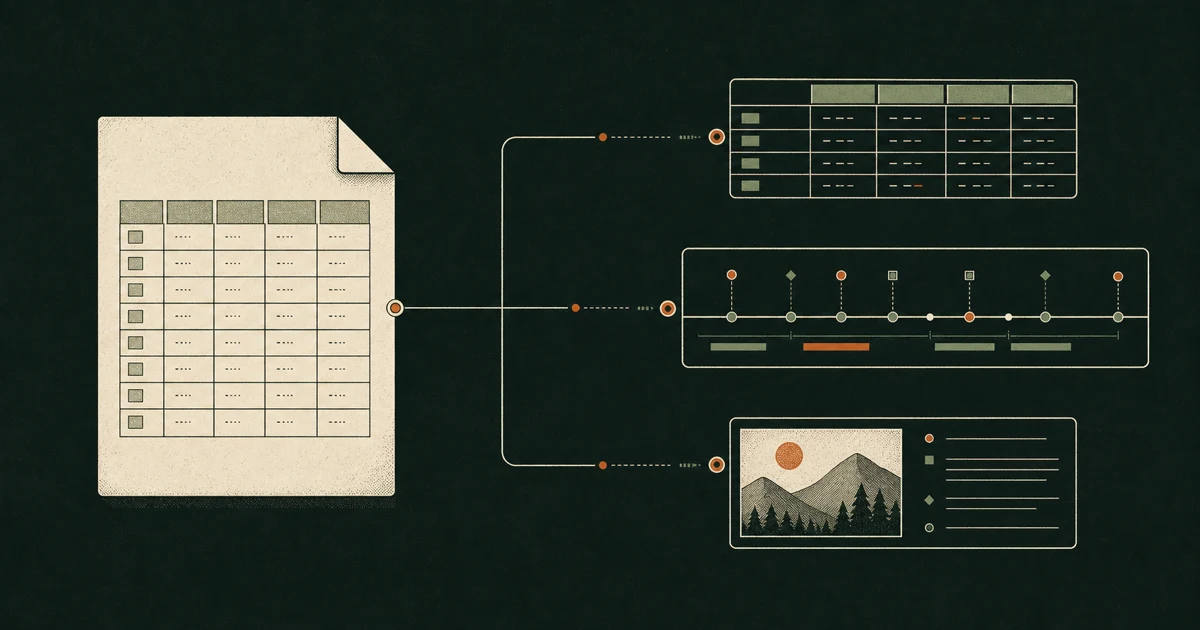
Grid, Gallery, Kanban, and custom views are different ways to work with the same records. A view stores query and presentation state; it does not create another copy of the table.
Try it in the editor
- Open the Eidos File editor.
- Choose Open .eidos file, Open sample Eidos File, or New from template….
- Explore Project portfolio, Personal CRM, Household finance, Reading library, Habit journal, and Content calendar. Together they cover Formula, Relation, Lookup, Select, Multi-select, dates, attachments, saved filters, grouping, statistics, Gallery, and Kanban.
- Save the original file or download a new copy.
Chromium-based browsers can write back to the original after you grant permission. Other browsers use an explicit copy workflow. In both modes, the database is processed locally with SQLite WASM and a Web Worker.
What travels with the file
- File, Table, Field, and Record identities, plus the current revision;
- field names, types, options, formulas, lookups, and relations;
- saved views with filters, sorting, field order, and layout properties;
- file identity and format version.
Unsupported custom view types remain in the file. A host may fall back to Grid, but it should not erase view metadata it does not understand.
Choose a path
Eidos File supports two distinct workflows. Both end at the same user-owned file.
Human → Web Editor or Eidos Desktop → Runtime → .eidosUse a visual editor to create tables, change views, and review data directly.
AI Agent → Eidos Skill → eidos CLI → Runtime → .eidos → Graft diff / review / restoreUse the Skill and CLI when an Agent or automation needs a typed, revision-aware transaction boundary. Add Graft when changes need version history, review, branches, sync, or recovery.
| Entry point | Use it when |
|---|---|
| Eidos File Web Editor | You want to open or edit a local file in the browser. |
| Eidos Desktop | You work with Eidos Files alongside documents, assets, local AI, and version history. |
eidos CLI + Eidos Skill | An Agent or script needs safe, structured reads and mutations. |
@eidos.space/eidos-file | Your application needs the headless Runtime, typed queries, transactions, or validation. |
@eidos.space/eidos-file-ui | Your React application needs shared viewers, editor UI, or custom views. |
| Graft | A file needs versioned diffs, branches, sync, review, or restore. |
Privacy and ownership
The .eidos file is the source of truth. The editor does not upload file contents to Eidos servers. When unsaved work needs recovery, the browser may retain a private local checkpoint that you can discard from the editor or remove by clearing site data.
The editor and templates are available in English and Chinese. Changing the interface language selects the corresponding localized template file; it never translates or rewrites user-authored names or values in an existing file.
Read the format reference for the stable SQLite contract, build with Eidos File using the published 1.0.0 packages, or set up Agents and automation.